
Your agent setup lives in six places and none of them agree. One person keeps skills in a folder for Claude Code. Another keeps prompts inside Copilot. The MCP servers, the programs that give an agent access to outside tools and data, sit in a config file someone edited by hand and never shared. A new teammate clones the repo and gets the code, but not the agent setup that makes the code easy to work on.
Microsoft APM exists to close that gap. APM stands for Agent Package Manager. It treats agent context the way npm treats code libraries. You declare what a project needs in one manifest file. Anyone who clones the project runs one install command, and each part lands in the right folder for the agent tool they use.
Microsoft APM
Official siteA dependency manager for AI agents, described by Microsoft as a manager for agent context in the style of npm. Primary use case: declaring the agent setup for a project once, in a file that ships with the repo, so every person and every supported agent tool starts from the same skills, prompts, instructions and tool servers.
Key features: one manifest for all agent parts; a lockfile that pins exact versions and content hashes; installs from GitHub, GitLab, Bitbucket, Azure DevOps, Gitea and other git hosts; a security scan on every install; and a policy file that an org can enforce when parts are installed.
Advantages: the setup travels with the repo, repeat installs produce the same content, and one declaration serves many agent tools at once. Limitations: support for each part varies by tool, the manifest format is still a working draft in the docs, and the policy file controls installs only. What an agent does at run time stays with the agent tool itself.
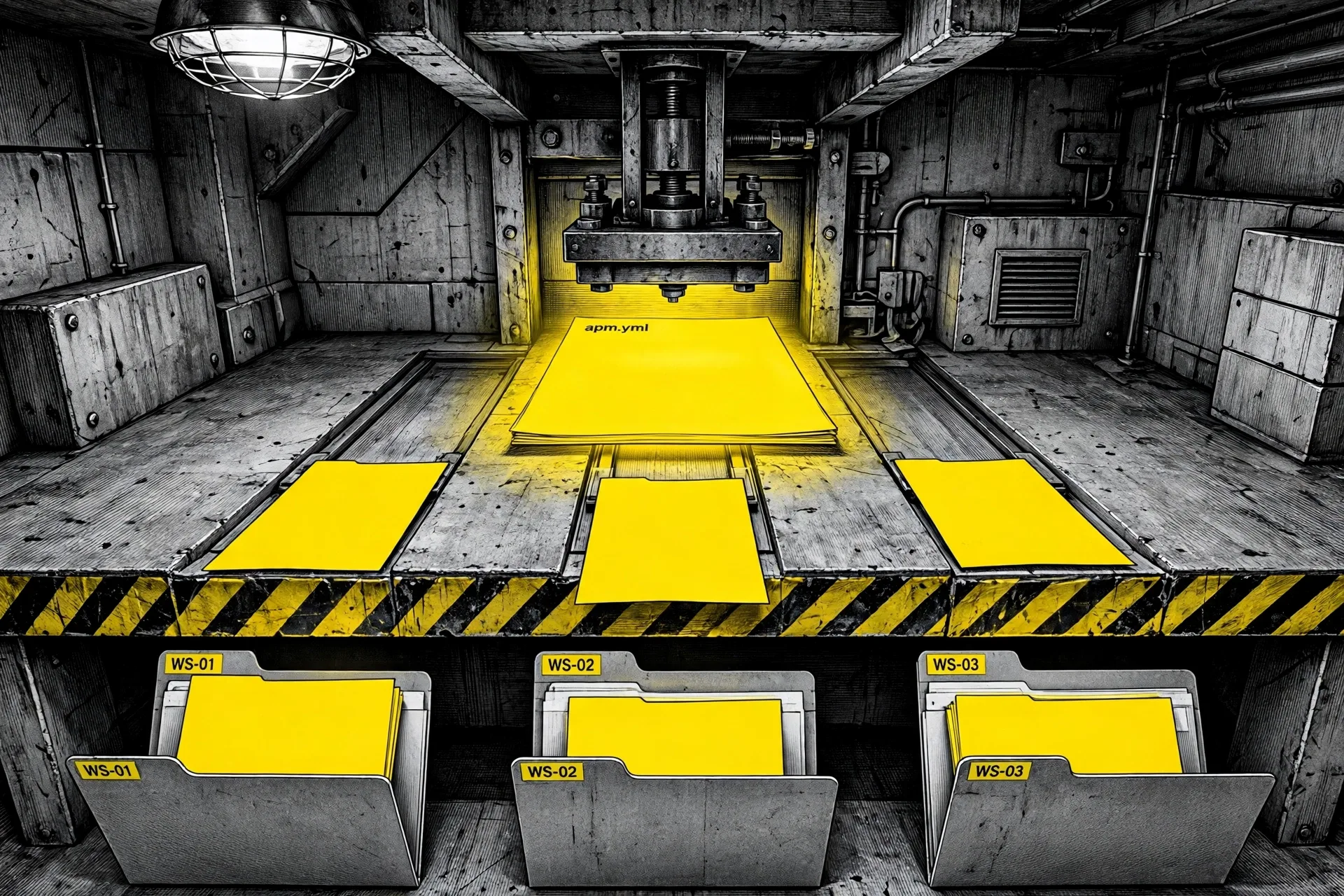 One manifest, many desks: APM deploys the same declared parts into the folders each agent tool reads. Illustration: Dirty Static
The problem is drift, not talent
Agent tools multiplied faster than the habits for sharing them. A skill is a folder with a SKILL.md file that teaches an agent one task. A prompt is a saved workflow. An instruction file holds the rules for a repo. Each tool reads these parts from its own folder, in its own format, and most teams have more than one tool in play.
Copying files by hand works for a week. Then one copy changes and the others do not. Two people ask the same agent for the same job and get different behaviour, because their setups quietly parted ways. APM makes the setup a declared dependency instead, with the same discipline teams already accept for code: a manifest, a lockfile, and a review when either one changes.
This is the same supply question our look at PlugVet raised from the other side. PlugVet grades skills and servers before you trust them. APM is about what happens after that choice, when a team needs the chosen parts installed the same way, on every machine, for every tool.
One manifest, three files that matter
The manifest is apm.yml. It sits at the root of a repo, like package.json, and it names the project and lists two kinds of dependency: APM packages under dependencies.apm, and MCP servers under dependencies.mcp. A package can be a single skill, a single agent file, a plugin, or a full package that carries several parts at once. Version pins ride on the dependency string, so a team can hold one skill at a fixed release while the rest move.
Running apm install does the rest. It resolves the full set of dependencies, including parts that other parts depend on. It fetches each one into a local cache folder, works out which agent tools the project uses, and writes each part into the folder that tool reads. It also writes the lockfile.
| File | What it does | Commit it |
|---|---|---|
apm.yml | The manifest. Declares the packages, MCP servers, scripts and targets a project needs | Yes |
apm.lock.yaml | The lockfile. Pins the exact source, version and content hash for every part | Yes |
apm-policy.yml | The optional policy file. Sets what may be installed, enforced when installs run | Yes, when used |
apm_modules/ | The local cache of fetched packages | No. APM marks it to be ignored by git, and installs restore it from the lockfile |
The clone test is the whole pitch in one line. Per the quickstart, a teammate clones a repo, runs apm install at the root, and gets the same parts, at the same versions, with the same content hashes. The deployed folders for each tool are committed as well, so the setup stays visible in review, not hidden in a cache.
What APM manages
Microsoft calls each unit of agent context a primitive. The word is worth keeping, because APM manages eight kinds of them, and a package can carry any mix.
Instructions are coding standards and guidelines, scoped to files by a pattern. Prompts are saved workflows an agent can run. Agents are specialist personas with their own scope and tool limits. Skills are task guides in the SKILL.md format. Hooks are scripts that run at set points in a session, such as before or after a tool call. Commands are the prompt files in the form tools with a command palette expect. Plugins are bundles that APM unpacks into the parts above at install time. MCP servers are declared in the manifest itself, and APM writes the MCP config for each tool when it installs.
Two commands sit beside install. apm compile folds instructions into the shared context files tools read, such as AGENTS.md and CLAUDE.md, and it can place a focused file beside each folder instead of one large file at the root. apm run runs named scripts declared in the manifest, in the style of npm scripts. Each script shells out to a runtime command you already have installed, such as copilot or claude. APM does not ship those runtimes. It invokes the one your script names.
Nine main targets, and support is not equal
A target is one agent tool APM can deploy to. The main list runs to nine: GitHub Copilot, Claude Code, Grok Build, Cursor, OpenCode, Codex, Gemini, Windsurf and Kiro. Three more, Antigravity, Hermes and Grok Bot, can be named on purpose but are never picked by detection. APM finds targets three ways, in order: a flag on the command, a targets: list in the manifest, or the folders already present in a repo, such as .claude/ or .cursor/. With no signal at all, install stops with an error rather than guessing.
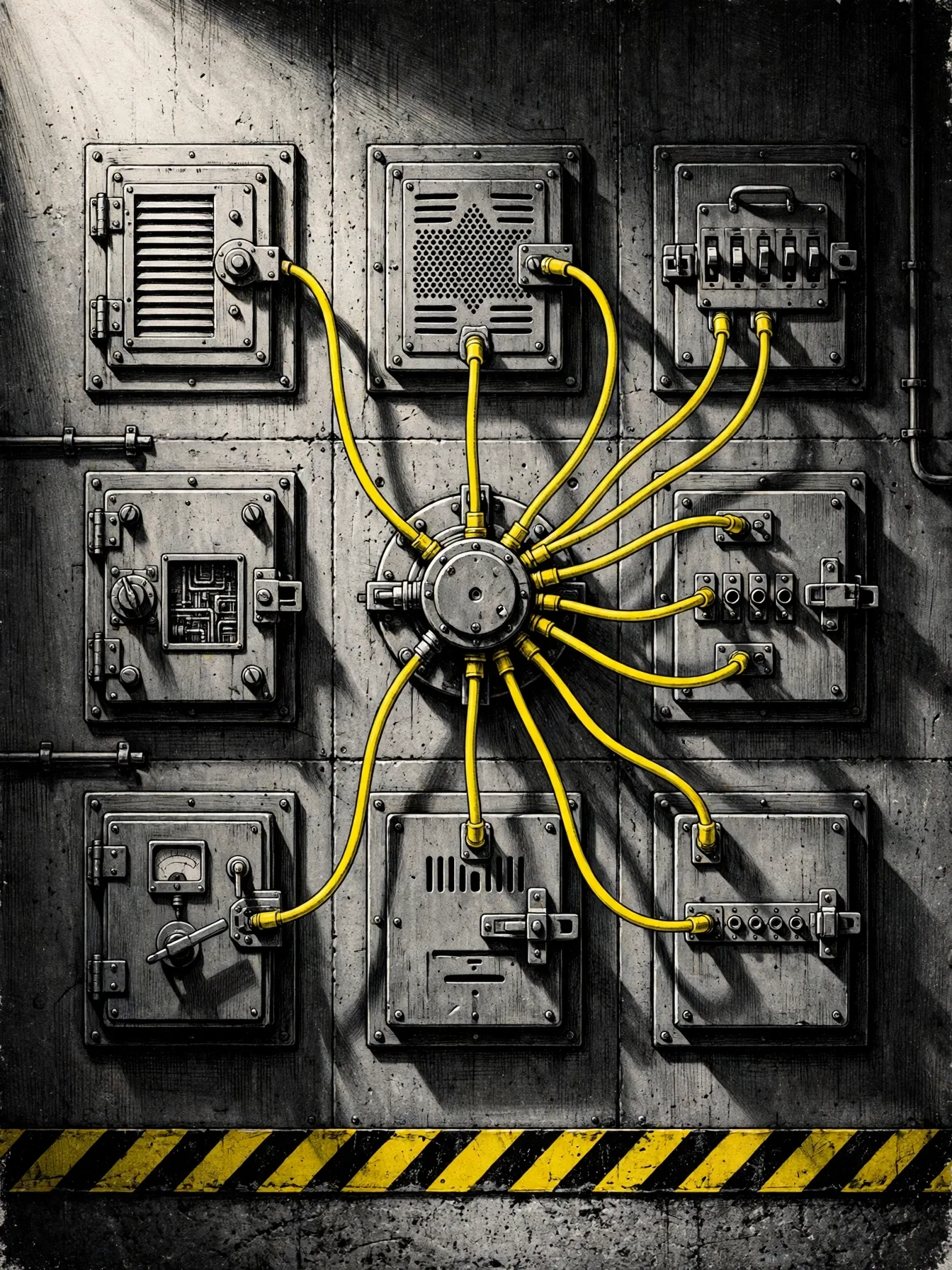 One hub, nine doors: each target still decides which parts it can accept. Illustration: Dirty Static
| Part | Copilot | Claude Code | Cursor | Codex | Gemini |
|---|---|---|---|---|---|
| Instructions | Yes | Yes | Yes | No | No |
| Prompts | Yes | No | No | No | No |
| Agents | Yes | Yes | Yes | Yes | No |
| Skills | Yes | Yes | Yes | Yes | Yes |
| Hooks | Yes | Yes | Yes | Yes | Yes |
| MCP servers | Yes | Yes | Yes | Yes | Yes |
Read the table as a planning tool, not a flaw list. A team that lives on prompts inside Copilot gets full value on day one. A team spread across Codex and Gemini should build its shared setup around skills and MCP servers, the parts that travel everywhere, and keep tool specific extras in tool specific folders. Our profile of WordPress Studio showed the same shape from inside one app: the harness decides what an outside agent can reach, and the honest tools say so in a table.
Security and policy, stated plainly
Installing agent parts means installing prose that steers an agent, and in the case of MCP servers, code that an agent can call. APM treats that as a supply risk by default. Per the docs, every install scans content for hidden Unicode, pins content hashes in the lockfile, and blocks MCP servers that arrive only as a dependency of a dependency, unless those servers are declared in your own manifest or trusted on purpose.
The policy file adds org control. apm-policy.yml is enforced when installs run, and it covers the transitive MCP servers as well as the direct ones. Policy flows from the enterprise level to the org level to the repo level, and each level can only tighten what the level above it allowed. The docs point orgs at apm audit --ci to gate builds on the same rules.
Getting it onto a machine
The CLI runs on macOS, Linux and Windows. Homebrew is the short path on a Mac. The docs also list a shell installer for Linux and macOS, a PowerShell installer for Windows, and Scoop, pip and manual archive installs for teams that need them.
brew install apm
apm init my-agent
apm install microsoft/apm-sample-package
The sample package in the last line is Microsoft’s own starter package. It is the fastest way to see the shape of a real install: prompts, agents, instructions and a skill landing in the right folders, with the lockfile written beside the manifest. From there, adding a part is one line in apm.yml or one install command naming a repo and a path inside it.
Pricing and platforms
APM costs nothing. The CLI and the manifest format are open source under the microsoft org on GitHub, under the MIT license. There is no hosted registry fee and no per seat charge in the docs, because there is no hosted registry at all in the npm sense. A dependency string names a git repo, on GitHub or another git host, and APM fetches it from there with your own git access. Teams pay only for the agent tools and models they already use.
One status note matters here. The docs describe the manifest contract as a working draft, and the manifest schema page carries the same label. The shape in use today is documented in detail, but a draft can still change. Pin your APM version in team docs, read the changelog when you upgrade, and let the lockfile do its job between upgrades.
What Works
- One declared setup for a whole team, shipped inside the repo it describes
- Lockfile pins exact versions and content hashes, so repeat installs match
- Skills, prompts, instructions, agents, hooks, plugins and MCP servers share one system
- Works across nine main agent tools instead of locking a team to one
- Hidden Unicode scans, hash pinning and blocked transitive MCP servers by default
- Policy file gives orgs a real gate at install time, with CI audit support
What Does Not
- Support for each part varies by target, so the matrix needs checking before a rollout
- The manifest format is still labelled a working draft in the docs
- Policy stops at install time and does not control runtime behaviour
- No central registry means trust rests on the repos a team chooses to depend on
- APM does not install the agent runtimes its scripts call, so each machine still needs its own tools
Which should you choose
Adopt APM now if your team shares agent setup by folklore. If skills live in chat messages, prompts live on one laptop, and MCP configs differ per person, APM replaces that drift with a file a team can review. Start with skills and one or two MCP servers, the parts with the widest support, and add the rest as your tools allow.
Adopt it if you run more than one agent tool. A solo builder who switches between Claude Code and Cursor for different jobs gets the same win at smaller scale. One declaration, two deploys, and no manual sync when a skill improves. It pairs well with a vetting habit: grade a new part with a directory such as the one in our PlugVet profile before it earns a line in the manifest.
Wait if you use one tool, alone, with a setup that never changes. APM solves a sharing and drift problem. A single stable setup has little drift to solve, and the manifest is one more file to tend. The same goes for teams that need runtime control as their main safeguard. APM will help them govern installs, and they will still need the controls inside their agent tools for the rest.
Final thoughts
APM is unglamorous in the best way. It does not promise a smarter model or a faster agent. It promises that the agent setup a team agreed on is the setup every person actually runs, on every tool, after every clone. That promise needed a manifest, a lockfile and a policy gate, and Microsoft built all three on open standards it names in the docs: AGENTS.md, Agent Skills and MCP. The draft label on the format is the one real caution. Adopt it for the drift it kills today, pin it like you mean it, and keep your runtime controls where they belong, in the tools themselves.
Sources
- What APM is, the manifest example, install paths, security and policy defaults, license: APM home, Microsoft
- The consumer flow,
apm init, the sample install, the lockfile, and what to commit: Quickstart, Microsoft - The eight primitives, the target catalogue, compile placement, and target selection order: Primitives and targets, Microsoft
- Per target support for each part, deploy folders, and detection signals: Targets matrix, Microsoft
- Run scripts and the rule that APM invokes runtimes it does not ship: Run scripts, Microsoft
- Hero and body illustrations: Dirty Static
END OF TRANSMISSION
Stay curious. Question everything.