Every coding agent session starts with the same tax. You explain the codebase again. You repeat a decision you made last week. You correct a mistake you already corrected once, and switching from Claude Code to Codex means paying the tax all over again.
Koed is built for that exact frustration. Its makers describe it on Product Hunt as a free and open source memory layer that runs on a device you control. Each project gets its own Kin, a customisable assistant that remembers how you like to work, the decisions you have made, and what you have already tried. This guide follows that launch post, checked on November 26, 2026. It claims no test run of its own, and it invents no commands. Where the installer or the app shows its own prompts, follow those prompts.
What You Will Build or Learn
You will give one coding project a persistent memory that survives across sessions and across agents. By the end, Koed will be capturing conversations for that project, you will have inspected what it captured in the desktop app, and you will have tested recall with a safe question.
You will also learn the limits. Koed is available now for solo developers, per its makers. More coding agent integrations, cloud processing, and team sharing are listed as coming soon, not as current features. Treat anything in that second group as a roadmap claim.
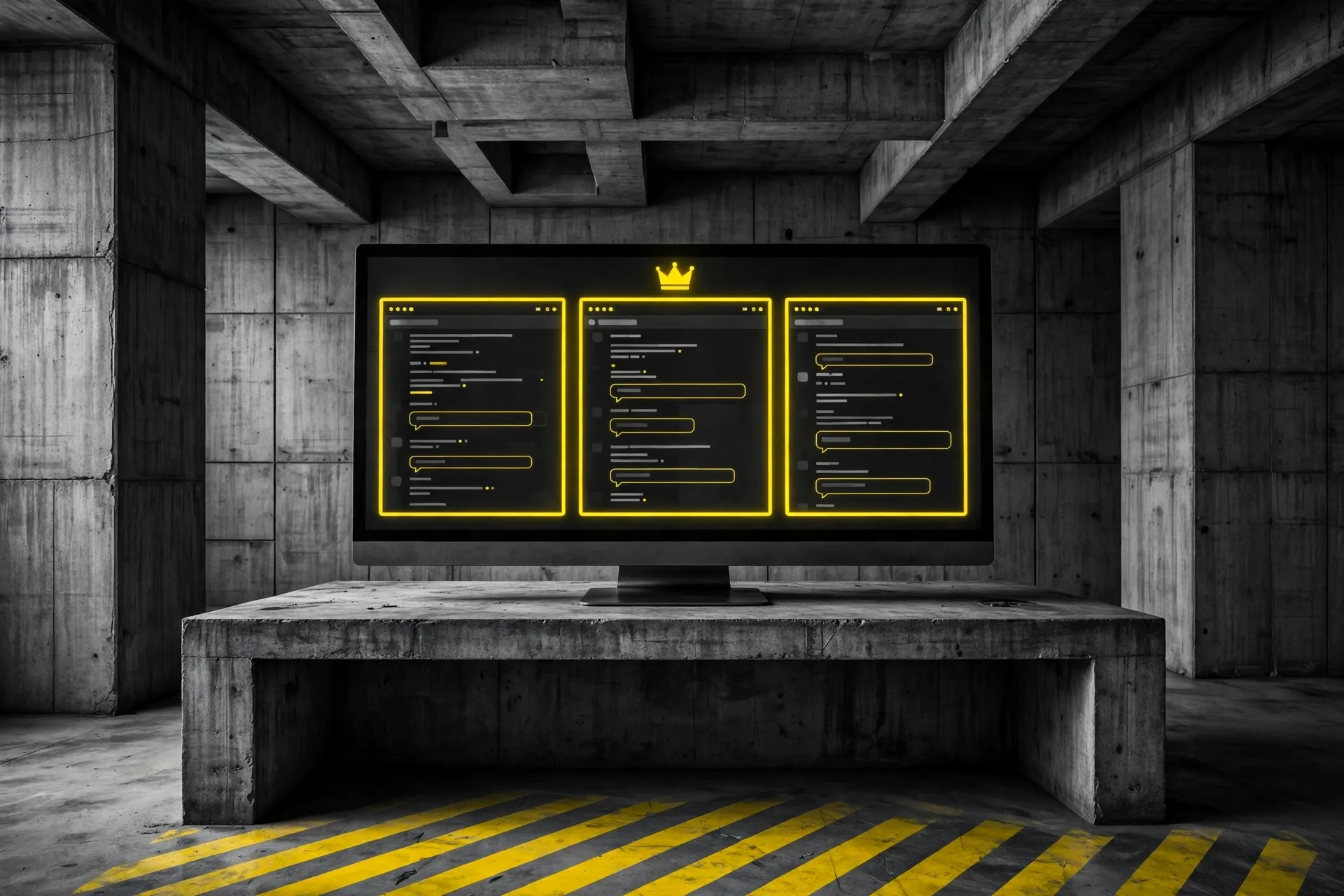
 One memory, several agents: the point of Koed is that Claude Code, Codex, and Pi draw on the same project history. Illustration: Dirty Static
Before You Begin
Pick one project with some history. A brand new empty folder gives Koed almost nothing to remember, so the recall test at the end will prove very little. A project where you have already made choices about structure, tooling, or style is a far better first test.
One claim needs a label before it shapes your expectations. In their benchmark of 20 Terminal-Bench tasks, with three runs per task, Koed makers say agents with relevant memory in Koed needed 52 percent less coding time, used 69 percent fewer tokens, and cost 42 percent less. That is a maker claim about their own benchmark, not an independent result. Your own recall test below is worth more than that number.
Step 1: Install Koed From the Official Route
Action: go to the Koed listing on Product Hunt and follow its own launch link to get the app. Use only that route or a link the makers themselves publish. Do not install a similarly named package from a package registry on guesswork, because this tutorial verified no registry command for Koed.
Expected result: the Koed desktop app is installed on your machine. If the download route offers no build for your system, stop here rather than forcing an install from an unofficial mirror.
Step 2: Set Up a Kin for One Project
Action: open Koed and follow its setup flow for the project you chose. Koed gives each coding project its own Kin, so complete the setup for that one project before you add any others. Customise the Kin only where the setup asks and where you have a real preference to record, such as how you like work explained or checked.
Expected result: the project has its own Kin, ready to reason over captured context for that project rather than mixing in history from unrelated work.
Step 3: Connect One Supported Agent
Action: connect one of the supported coding agents named by the makers, Claude Code, Codex, or Pi, using the connection flow Koed presents, and keep working with the subscription you already have for that agent. Start with one agent only. Adding a second agent is easier once you know capture works at all.
Expected result: Koed is set up to give that agent guidance grounded in the history of this project. The makers put it plainly: your Kin reasons over captured context to work out what is relevant and give the agent guidance shaped by the history of the project.
Step 4: Do One Real Work Session
Action: use the connected agent for a genuine task on the project. Fix a bug, add a small feature, or work through a decision with a clear outcome. Koed hooks automatically capture agent conversations, including small details, per the makers, so a real session matters more than a staged hello.
Expected result: the session, its decisions, and its dead ends become part of the captured history for this project. A session where you tried one approach and rejected it is especially valuable, because a rejected approach is exactly what a fresh agent tends to try again.
Step 5: Inspect What Was Captured
Action: open the Koed desktop app, view the ingested conversations for the project, and query the history for the decision you just made. Search for the plain words you used in the session.
Expected result: the app shows the captured conversation and returns the relevant part when you query it. If the session is missing, capture is not working yet, and the Troubleshooting section below is your next stop. Do not judge Koed on recall until capture is confirmed.
Step 6: Test Recall in a Fresh Session
Action: close the agent session, start a new one on the same project, and ask a question that changes nothing.
What did we decide about this last time, and what did we already try that did not work?
Replace the vague wording with the name of the decision from Step 4 before you send it.
Expected result: the agent answers using the earlier decision and the rejected approach, without you pasting the old conversation back in. That answer, grounded in your own project history, is the whole product in one move.
Verification
Check three things. First, the desktop app lists the session from Step 4 when you view ingested conversations. Second, a query in the app returns the decision from that session. Third, a fresh agent session recalls the decision and the rejected approach without you reexplaining either one.
If only the first two pass, capture and search work but agent guidance does not, so revisit the connection in Step 3. If all three pass, the memory loop is complete for this project: capture, storage on your device, and recall inside a new session.
Troubleshooting
| Problem | Likely cause | Fix |
|---|---|---|
| No conversations appear in the app | Capture hooks did not run, or the session used an agent that was never connected | Do a new session with the connected agent, then check the app again |
| The app shows history but a fresh session recalls nothing | The agent connection is incomplete, or the new session is on a different project | Confirm the session is on the same project and repeat the connection flow Koed presents |
| Recall returns the wrong decision | Several projects or sessions cover similar ground | Query with the exact words and file names from the session, and keep one Kin per project |
| A remembered decision is now stale | The project changed after the session was captured | Correct the agent in a new captured session so the newer decision is on record, and say plainly that it replaces the old one |
| Your platform is not offered | The download route does not list a build for your system | Stop and wait for a build the makers publish, rather than using an unofficial mirror |
Next Steps
Add your second agent once the first loop works. The makers built Koed for the switch between agents, so the same Kin can ground Claude Code, Codex, and Pi in one shared history instead of three separate ones.
Then build the habit that makes memory useful. End important sessions with a clear statement of what was decided and what was rejected. Future recall is only as good as the record, and a plain closing sentence in a captured session is the cheapest memory you will ever write.
Sources
- Koed makers, Koed: Supercharged Agents, Product Hunt, published November 24, 2026, checked November 26, 2026. The source for the Kin concept, automatic capture through hooks, the desktop app for viewing and querying ingested conversations, support for Claude Code, Codex, and Pi, bring your own subscriptions, no account needed, on device storage, free and open source status, solo developer availability, features listed as coming soon, and the maker benchmark figures labelled as claims in this article.
- Image credit: all images in this article are Dirty Static illustrations.
END OF TRANSMISSION
Stay curious. Question everything.