Making a GIF used to mean a small production. You needed frames from a video or a stack of stills, a timeline in an editor, and patience for export settings that were written when dial tones were normal. The format outlived every tool built to replace it, and it still runs half the group chats on earth.
ChatGPT Images 2.6 cuts that production down to a sentence. OpenAI announced the update on November 4, 2026. Ask for a looping GIF and describe what should move, and ChatGPT builds the animation in the conversation. Upload a still photo instead and ask it to animate that. The subject of this piece is a humble file format getting a very modern front door.
ChatGPT Images 2.6
Official siteThe image model inside ChatGPT, updated on November 4, 2026. Primary use case: turning a text prompt or a still image into a short looping GIF without leaving the chat, and generating still images with a reusable cast of saved reference pictures.
Key features: GIF creation from a prompt or an uploaded still; playback speed controls in the GIF viewer; edits to frames described in the conversation; saved reference images called up by typing @ and the saved name; still image generation that OpenAI says runs about 50 percent faster and holds details with more consistency across edits; and, for developers, image markup and SVG export in the API.
Advantages: no separate GIF tool, no timeline, no export ritual; the same feature set reaches Free accounts; saved references attack the oldest annoyance in AI images, a character who changes face in every picture. Limitations: GIF creation is still rolling out, per the OpenAI Help Center; ChatGPT cannot edit an animated GIF you upload; and there is no timeline with the control a real animation editor gives you.
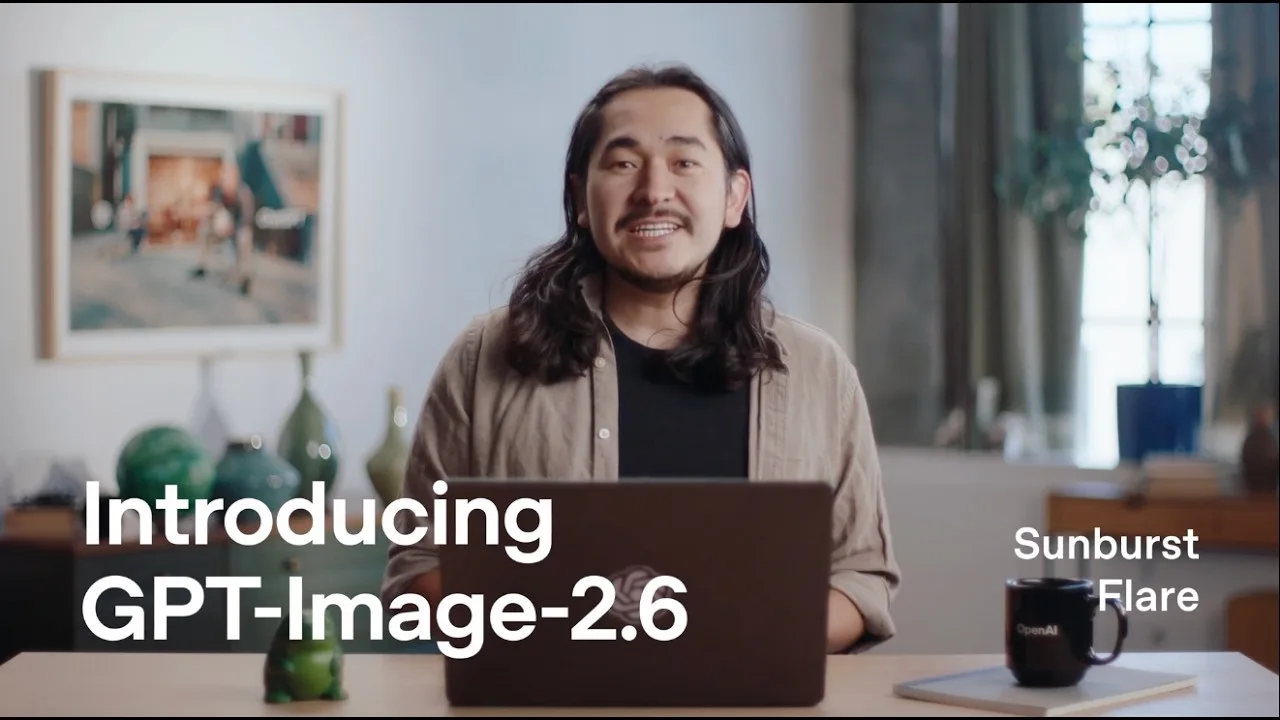 The launch frame for the 2.6 models. OpenAI presents Flare as the fast model and Sunburst as the detail model. Image: OpenAI
GIFs without a timeline
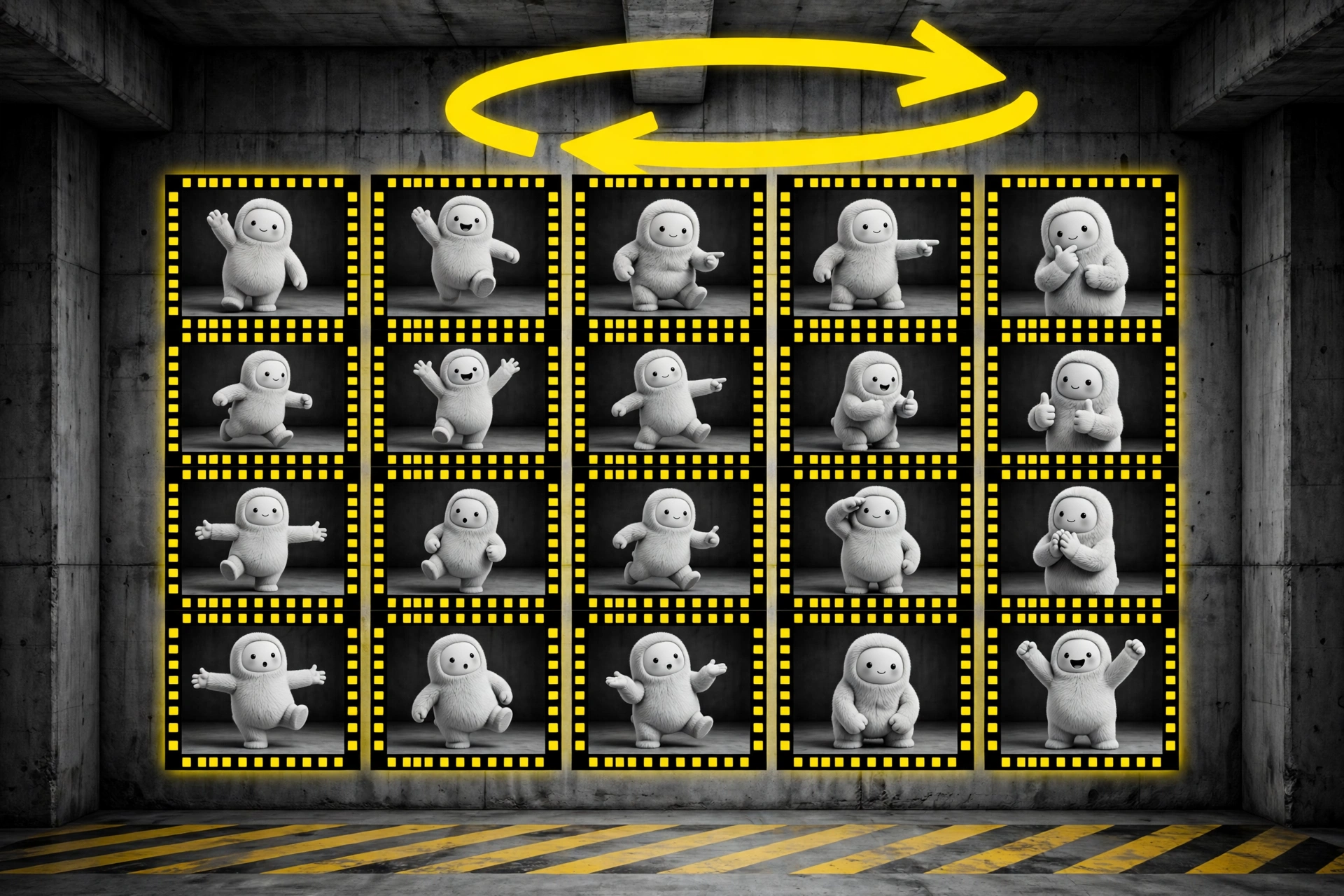
A GIF, short for Graphics Interchange Format, is a small set of frames that plays in a loop. The Help Center instructions are almost suspiciously short. Ask for a looping GIF and describe what should move. Its example prompt is a paper boat bobbing on water, which tells you the scale OpenAI has in mind: one subject, one clear motion, a loop that reads at a glance.
Once the GIF exists, you open it in the viewer. From there you can adjust its playback speed, save it to your device, or share it. To change the animation, you describe the edit in the conversation, and OpenAI says you can edit individual frames that way. There is no keyframe system and no layer stack, and that is the point. This is a chat box doing the work of a utility app, priced in seconds rather than in a learning curve.
Two edges are worth knowing before you plan a campaign around it. First, GIF creation is rolling out, so an account can lack the feature today and gain it later; if a request returns still frames instead of a moving file, the rollout is the likely cause, as early coverage reported. Second, the door swings one way. ChatGPT can animate a still image you upload, but it cannot edit an animated GIF you upload, per the Help Center. Bring a frame, not a finished loop.
Reference images are the quieter upgrade
GIFs got the announcement slot, but saved references may matter more in daily work. Upload a photo and ask ChatGPT to save it as a reference, then give it a name. In a later chat, typing @ and that name pulls the picture back in, with no fresh upload. OpenAI pitches it for yourself, a pet, or a character you use again and again.
Anyone who has generated a mascot knows why this matters. Still image tools have a memory problem: the character in picture four is a cousin of the character in picture one. A named reference gives the model an anchor, and it pairs with the other 2.6 promise, better consistency of details from one edit to the next. That consistency is also what makes the GIF feature plausible at all, since a loop falls apart when its subject changes shape between frames.
 The 2.6 title card. The release pairs the GIF work with a push on consistency across edits. Image: OpenAI
Flare and Sunburst are the developer route
In ChatGPT and Codex, Images 2.6 is just the image tool, with no model picker to think about. Developers get the split version through the API, short for application programming interface, the route other software uses to call a model directly. The API offers two models, and the choice is a plain tradeoff between speed and detail.
| Route | Built for | What OpenAI says | Price |
|---|---|---|---|
| ChatGPT and Codex, all tiers | People making images and GIFs in the app | GIF creation rolling out; stills about 50 percent faster | Included with the plan, Free included |
| GPT-Image-2.6 Flare, API | Fast drafts and quick turns | Images in as little as six seconds at low quality | $5 text input, $8 image input, $30 image output, each per million tokens |
| GPT-Image-2.6 Sunburst, API | Detailed work and steady edits | Higher quality generation and greater consistency across edits at medium and high quality | Same token rates as Flare |
The rate card matches the prior generation, which sounds like the end of the pricing story. It is not. OpenAI bills per token, and token use per image can differ by model and by quality setting. One developer posting in the OpenAI community forum put the same prompt through both generations at medium quality and reported 344 output tokens for 2.5 against 1,136 for 2.6. That is one sample from one user, not an OpenAI figure, but it carries the right warning: the same rate per million tokens can still produce a larger bill per picture. The API also adds image markup, where you draw guidance on a layer to direct an edit, and SVG export, where SVG means a vector file that stays sharp at any size.
Which should you choose
Choose ChatGPT Images 2.6 in the app if you make social posts, reaction images, or product loops and you hate timelines. You are the reader this release was built for. Describe one motion, keep the loop short, set the speed last, and download the file. If the feature has not reached your account yet, check again in a few days rather than fighting the prompt.
Choose Flare through the API if your product burns through drafts. Posters, mockups, and bulk previews reward speed, and six second turns at low quality change how often a team can afford to look at options. Watch the token counts on real traffic before you celebrate the unchanged rate card.
Choose Sunburst through the API if the subject must stay itself. Brand characters, product shots, and any series where picture nine must match picture one are detail work. Sunburst is the model OpenAI positions for higher quality and for consistency across rounds of edits, at the same token rates as Flare.
Look elsewhere if you need true animation control or a longer clip. A GIF loop has no sound, no camera work, and no story arc. When a piece needs fifteen seconds of actual video, a video model is the right tool; our tutorial on making a short video with Gemini Omni 1.2 Flash covers that route. And when you need frame level control with easing and layers, a real animation editor still earns its keep.
What Works
- GIF creation from a prompt or a still, inside the chat you already use
- Speed controls and frame edits without a timeline or export step
- Saved reference images solve a real consistency pain
- All tiers get it, Free included, on web, desktop and mobile
- API rates per token match the prior generation
What Does Not
- GIF creation is still rolling out, so access varies by account
- An uploaded animated GIF cannot be edited, only stills can be animated
- The 50 percent speed claim is OpenAI wording, not an independent test
- Per token billing means cost per image can rise even at the same rates
Final thoughts
The GIF survived the video era because it asks nothing of the viewer: no play button, no sound, no commitment. Giving that format a one sentence creation flow inside the most used AI app on earth is a shrewd, almost boring move, which is why it will probably work. The honest tradeoffs are the rollout, the one way door on uploaded GIFs, and an API bill that needs watching at the token level.
For most readers, the test is simple. Open ChatGPT, ask for a loop of something you care about, and see if the feature is live on your account. If it is, the oldest moving format on the web just got its easiest editor yet.
Sources
- Announcement, GIF and reference features, Flare and Sunburst: Images, upgraded, introducing ChatGPT Images 2.6, OpenAI Developer Community, November 4, 2026
- GIF steps, rollout note, uploaded GIF limit, reference steps, availability: Images in ChatGPT, OpenAI Help Center
- API pricing for Flare: GPT-Image-2.6 Flare model page, OpenAI Developers
- Independent launch coverage: ChatGPT Images 2.6 adds GIFs and 50% faster image generation, BetaNews, November 6, 2026
- Images: OpenAI, from the November 4, 2026 launch post
END OF TRANSMISSION
Stay curious. Question everything.