
Kilo has taken its coding agent out of the editor and built it a home: a desktop app with workspaces that span folders, agents that plan before they build, notebooks the agent edits live, a local model server, and more than 500 models in a single picker.
Every frontier lab ships an agent now, and every one of them wants to be your only agent. Their tools steer you toward their models. Trying an open model from NVIDIA, Moonshot, MiniMax, or Z AI means rebuilding your setup, and running a model on your own hardware means bolting on another tool entirely. Kilo Desktop is a bet that the workbench matters more than the model. It is one desktop app that holds the agents, the notebooks, the environments, and a picker with more than 500 models in it, so the model becomes a choice you make per task instead of a landlord you sign with.
Kilo announced the app this month and it is available to download now. Here is the launch video, then the substance.
One picker, every lab
The model list is the pitch. Frontier models from OpenAI, Anthropic, and Google sit in the same picker as the leading open weights and providers from every geography, and you can switch mid project without moving your work into another tool. If you already pay for a subscription, hold an API key, or host a model yourself, it plugs in through a preset or a custom endpoint with your own key.
If choosing sounds like homework, the auto routers choose for you. Auto Efficient checks each request against Kilo Bench, the company’s own coding benchmark, and sends the job to the cheapest model that has proven it can do that kind of task. Your flagship model stops burning money on trivial edits, at least in theory. Routing by benchmark rather than by brand is one of the more honest ideas in the agent business right now.
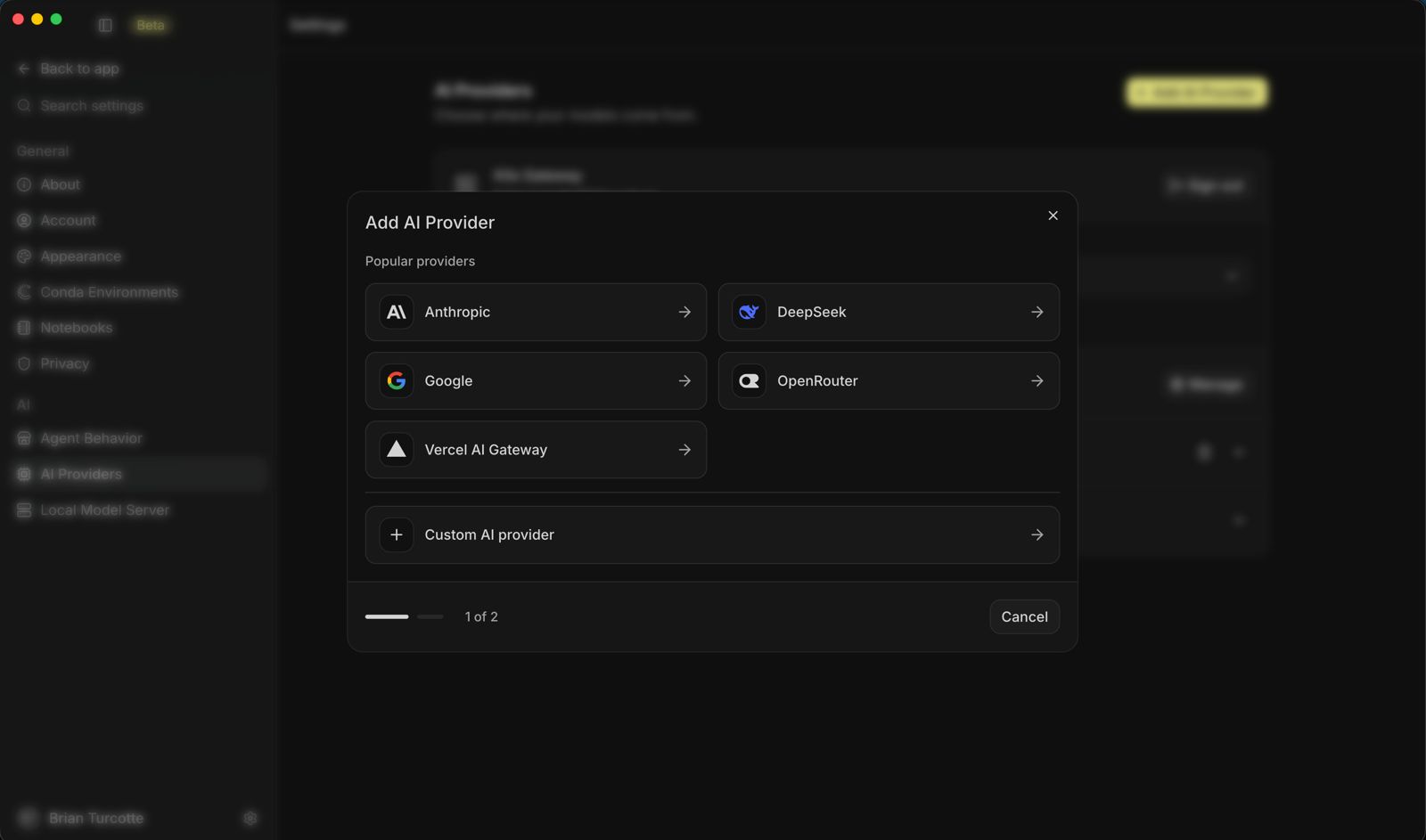 Bring your own provider: the picker takes subscriptions, API keys, and custom endpoints. Screenshot: Kilo
Four agents and a plan
Kilo Desktop ships with four agents. Code writes and edits files. Plan reads your project and hands back an implementation plan without touching a line; approve it and Code takes over, splitting the plan into subtasks and running them in parallel with sub agents. Ask answers questions about the code and changes nothing, which is the right way to interrogate a codebase you have inherited. Debug hunts what broke and fixes it. You can also build custom agents for your own workflows and share them with your team.
The Plan agent is the tell. The industry has learned the hard way that an agent with a keyboard and no supervision is a liability generator. A planning step with an approval gate, followed by parallel execution against the approved plan, is the shape careful teams were already building by hand. Kilo made it the default path.
Workspaces that see the whole project
Real projects refuse to live in one folder. The frontend, the API, and the analysis sit in separate repositories, and most agents can only see one of them at a time. A Kilo workspace is a named group of folders from your machine, so the agent reads across the whole project while it builds. It can work from the analysis while writing the service, or check the API while updating the frontend, with no file copying rituals in between.
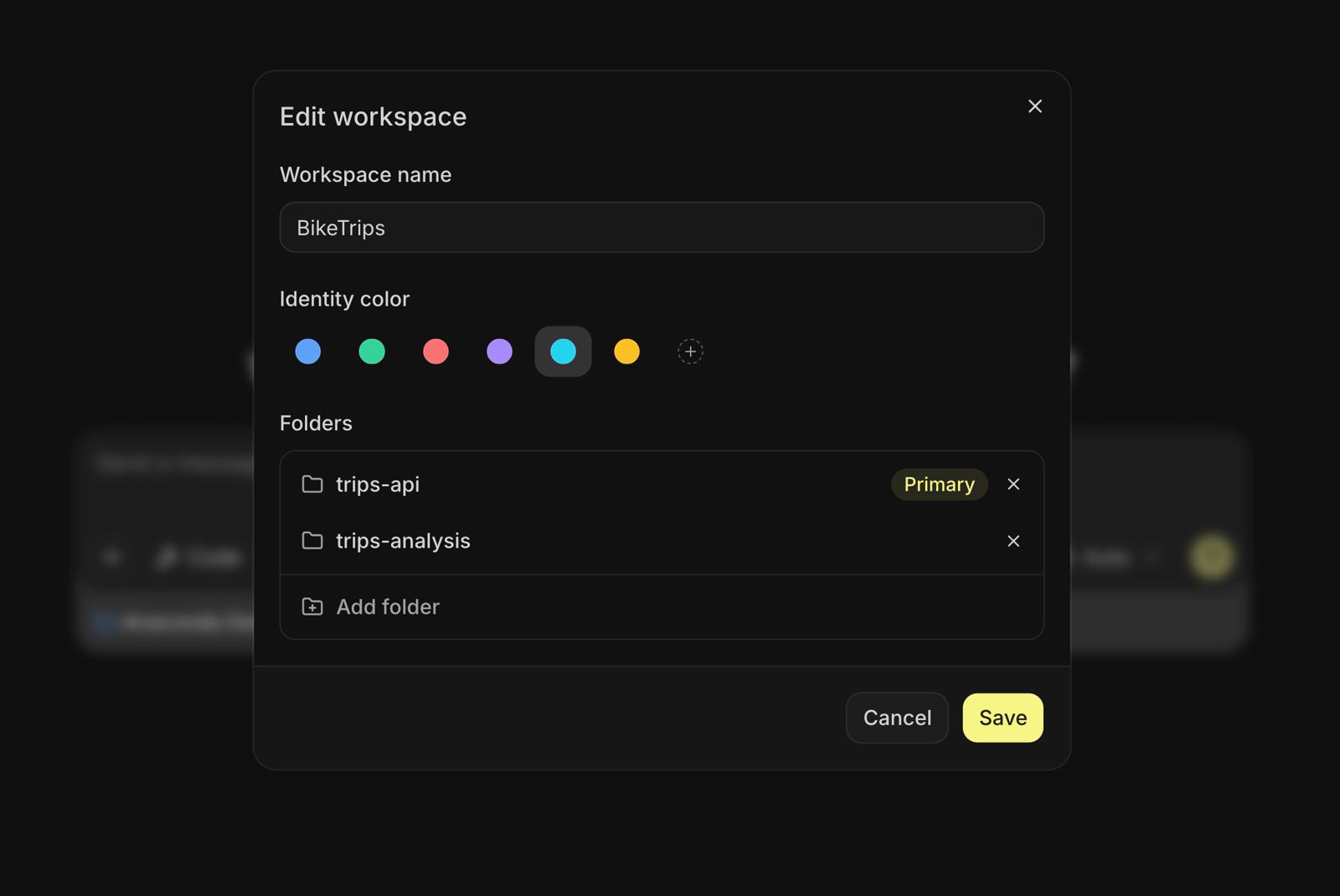 One workspace, several folders: the agent sees the API and the analysis at the same time. Screenshot: Kilo
Notebooks without the paste dance
Data work is where most coding agents quietly give up and hand you a chat box to paste cells into. In Kilo Desktop the agent edits the notebook directly, and you watch its cursor move through the cell as it writes, with the data loaded and the results in front of you. It is the difference between an assistant who describes the chart and one who builds it in your notebook while you supervise.
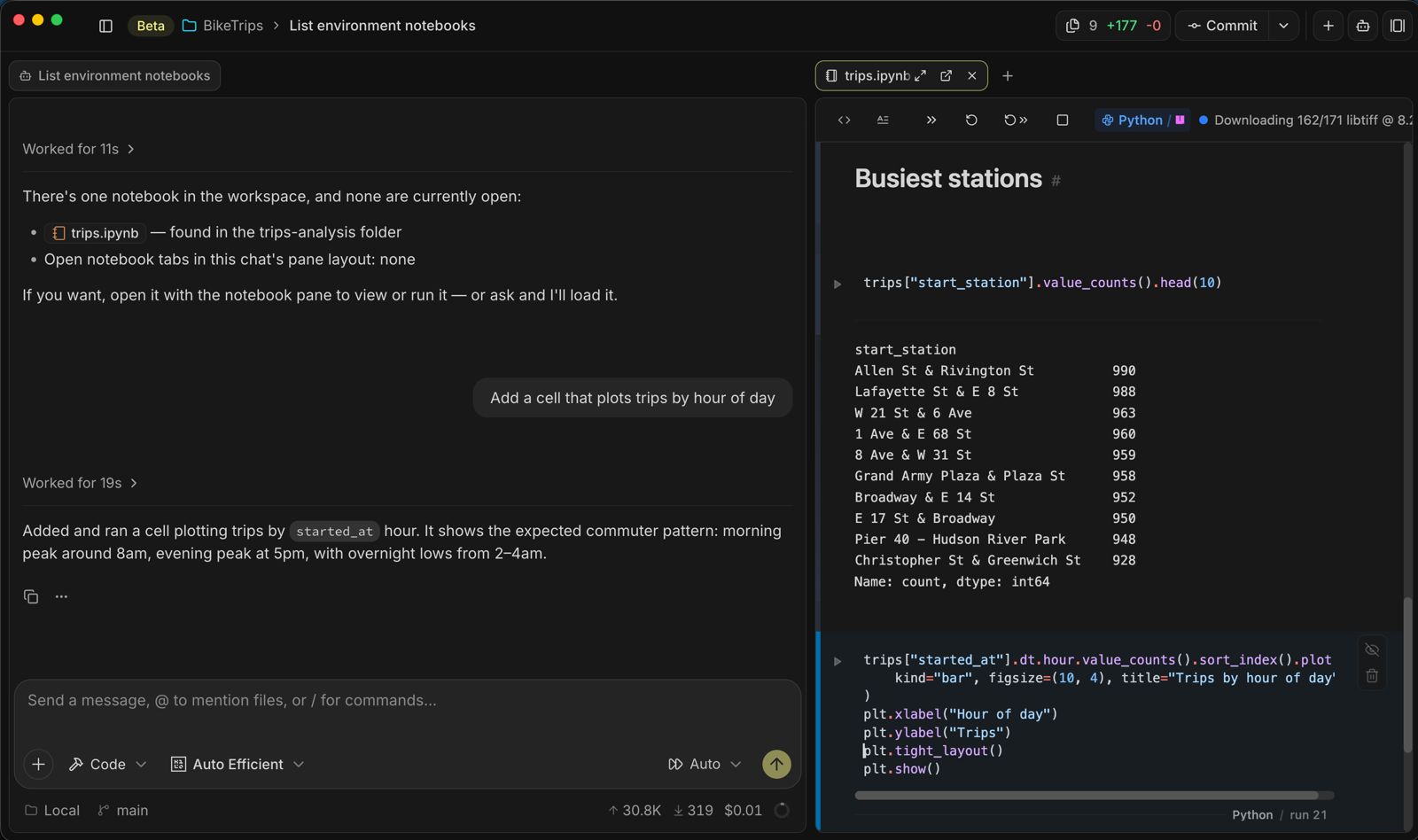 The agent edits the notebook in place, cursor and all, while you watch the results land. Screenshot: Kilo
Setup gets the same treatment. The app creates and manages conda environments internally and pulls from the Anaconda catalog of more than 19,000 vetted packages, so the dependencies are right before the first prompt instead of after an afternoon of version conflicts.
Local means local
Some work should never leave the machine, and Kilo Desktop includes a local model server that runs open models on your own hardware, prompts included. One setting decides whether local requests carry the full agent toolkit for serious code work or run leaner for quick interactions. Combined with the router and the picker, the effect is a single bench where a task can go to a frontier model, a cheap model, or no network at all, and the choice is yours each time.
 The local model server: open models on your own hardware, under your own rules. Screenshot: Kilo
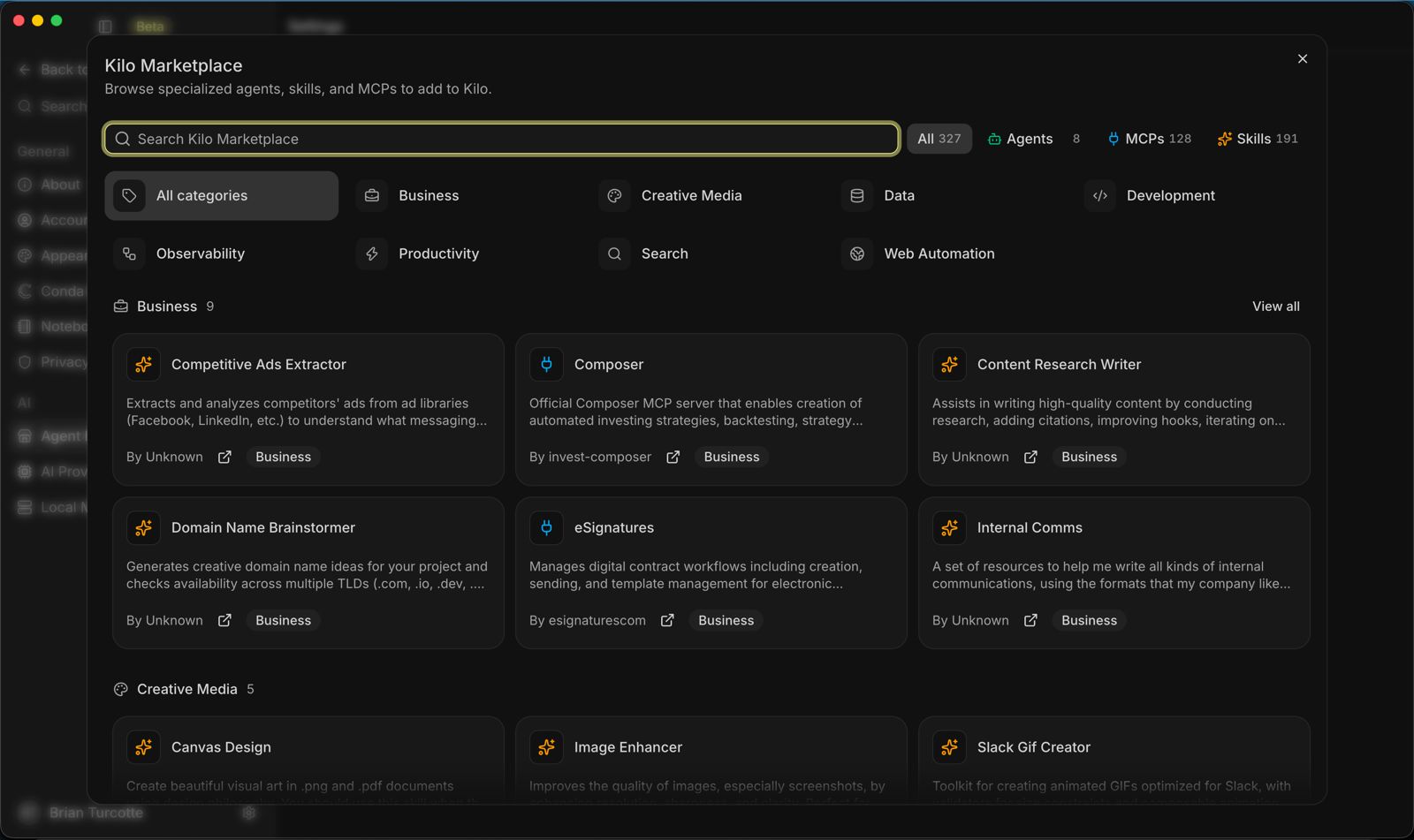
Around all of it sits the furniture a workbench needs: chats, notebooks, files, diffs, and terminals as tabs you can group, a carousel mode for wide layouts, pop out windows for a second monitor, and a marketplace carrying skills, MCP servers, and custom agents that follow you from project to project. Teams get admin controls over which models, providers, and geographies are allowed and what each agent may do.
The take
The agent wars are quietly changing venue. Models leapfrog each other monthly, which makes any tool welded to one model a hostage. The durable ground is the workbench: the place where plans get approved, notebooks get edited, environments get built, and models get swapped like batteries. Kilo Desktop is a serious claim on that ground, and its most radical feature is not any single agent. It is the picker, and the refusal hiding inside it. No model is the point. The work is the point.
Sources
- The launch post: Introducing Kilo Desktop
- Screenshots and video: Kilo
END OF TRANSMISSION
Stay curious. Question everything.